1
Start with your event
Tell Bendie about the event, your team, the programme, logistics and the attendee experience you want to create.
Bendie Planner supports the team behind the event, while Bendie gives attendees one place to navigate, connect and participate.
Bendie does not assume every event is the same. Your organization starts by discussing the event type, scale, programme, operations, logistics, networking and attendee experience you want to support.
Bendie is sales-led. The process starts with a conversation, then moves toward a Bendie-powered event configured around agreed needs.
Tell Bendie about the event, your team, the programme, logistics and the attendee experience you want to create.
Bendie works with your organization to understand which capabilities are relevant before the event is configured.
Once requirements are clear, the Bendie-powered event is prepared around the agreed programme, people and event needs.
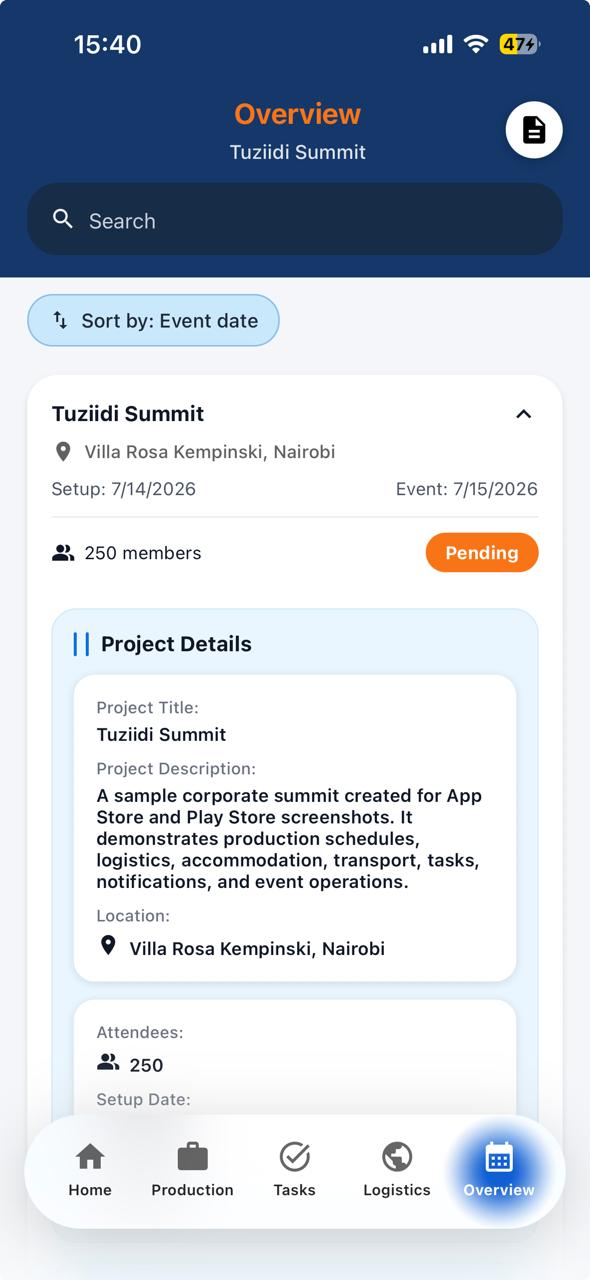
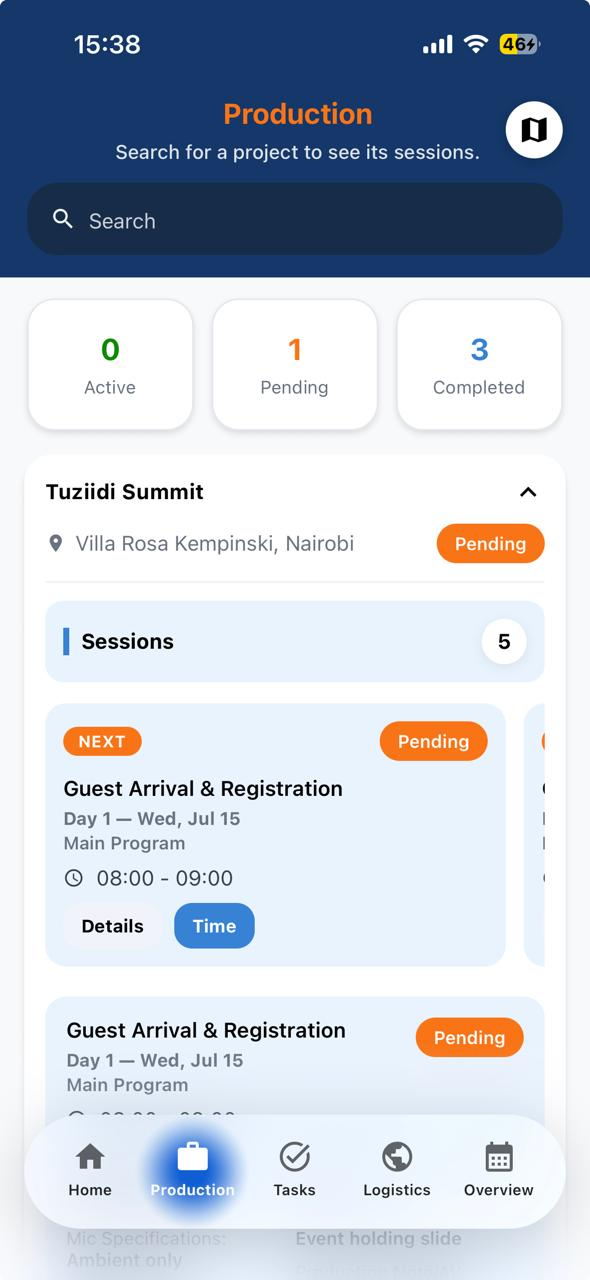
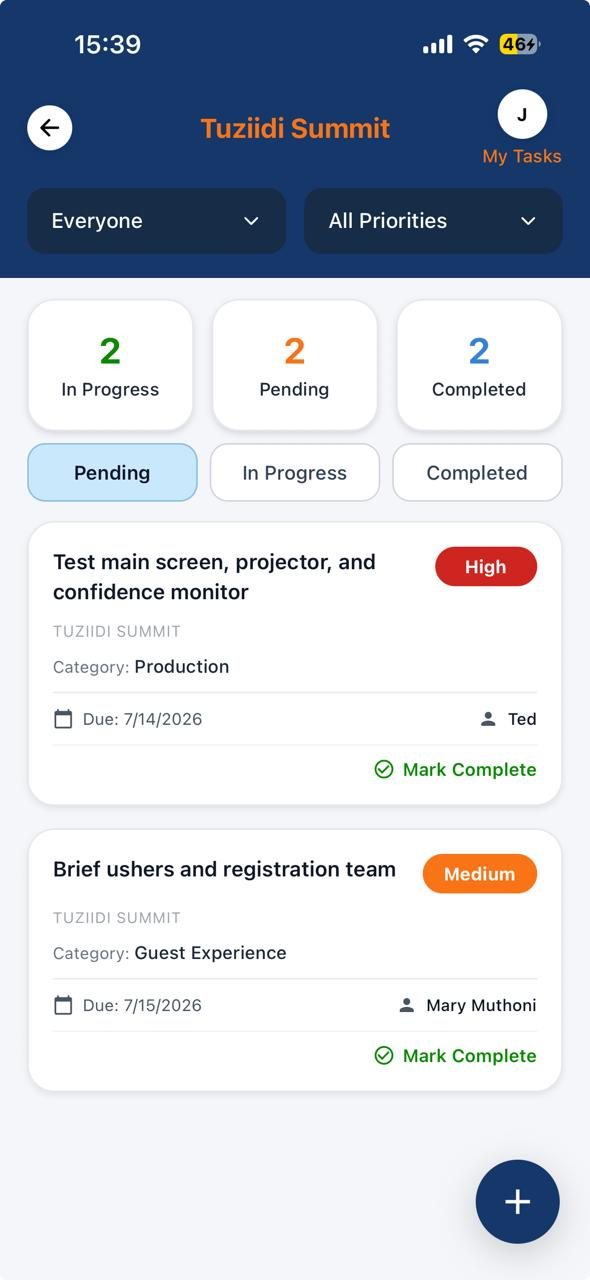
The event team uses Bendie Planner to centralize planning, coordinate responsibilities and keep the operation visible.
The team behind the event uses Bendie Planner as an operational workspace for planning, coordination, logistics and visibility.
Access is prepared through the organizer's event process and outside this public website. Downloading Bendie by itself does not grant event access.
Access is prepared through the organizer's event process, whether someone registers in advance or joins as a walk-in.
Attendees download the Bendie mobile app as one step in accessing their Bendie-powered event.
Pre-registered attendees may use their registration email, while walk-ins follow the onboarding instructions provided by the organizer.
The secure code is part of the attendee access process and is not entered on the public website.
The attendee enters the secure code inside the Bendie mobile app to continue access.
Once access is complete and the event is available, the attendee can enter their Bendie-powered event.
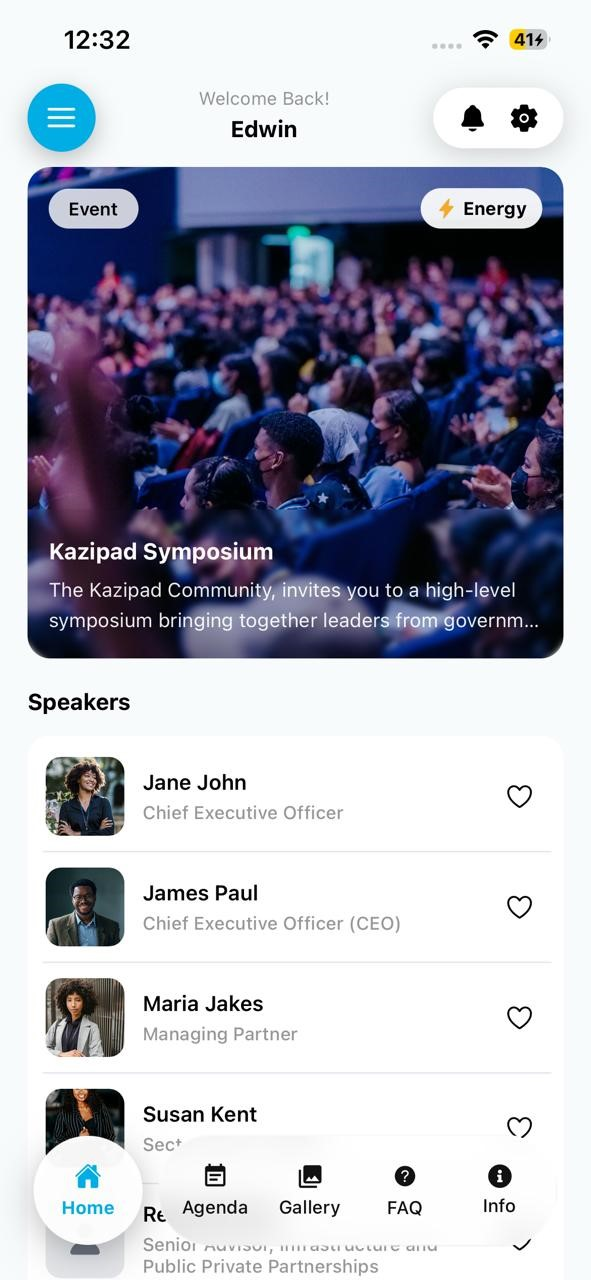
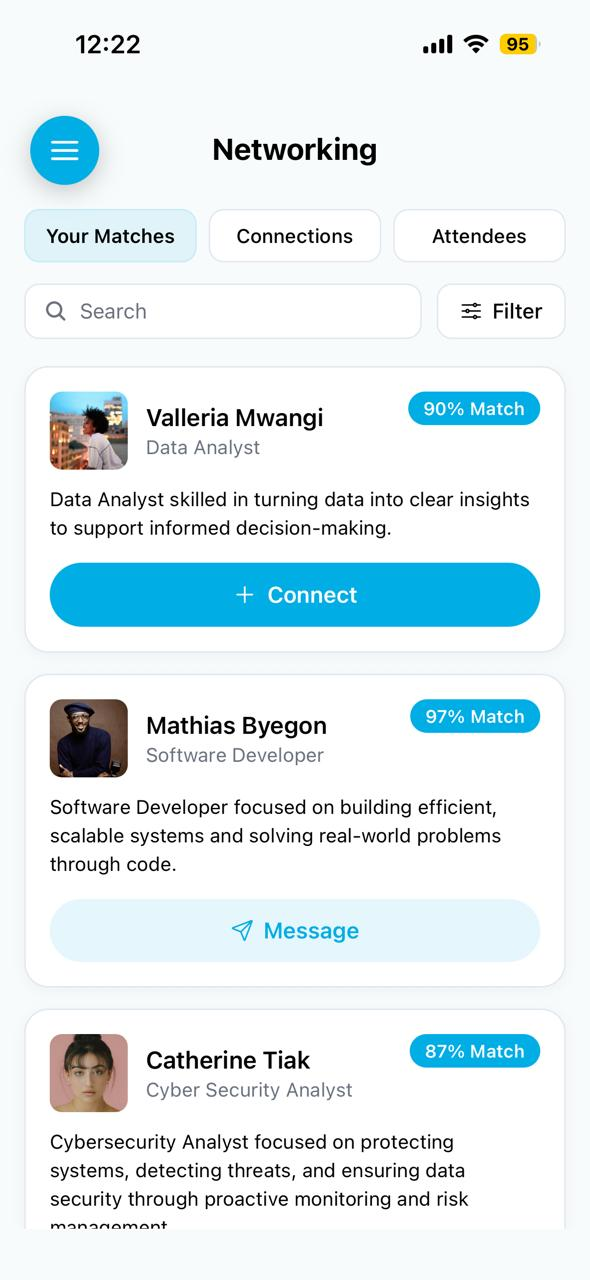
Bendie gives attendees one place to understand the programme, receive updates, discover people, connect and
participate where those experiences are configured for the event.
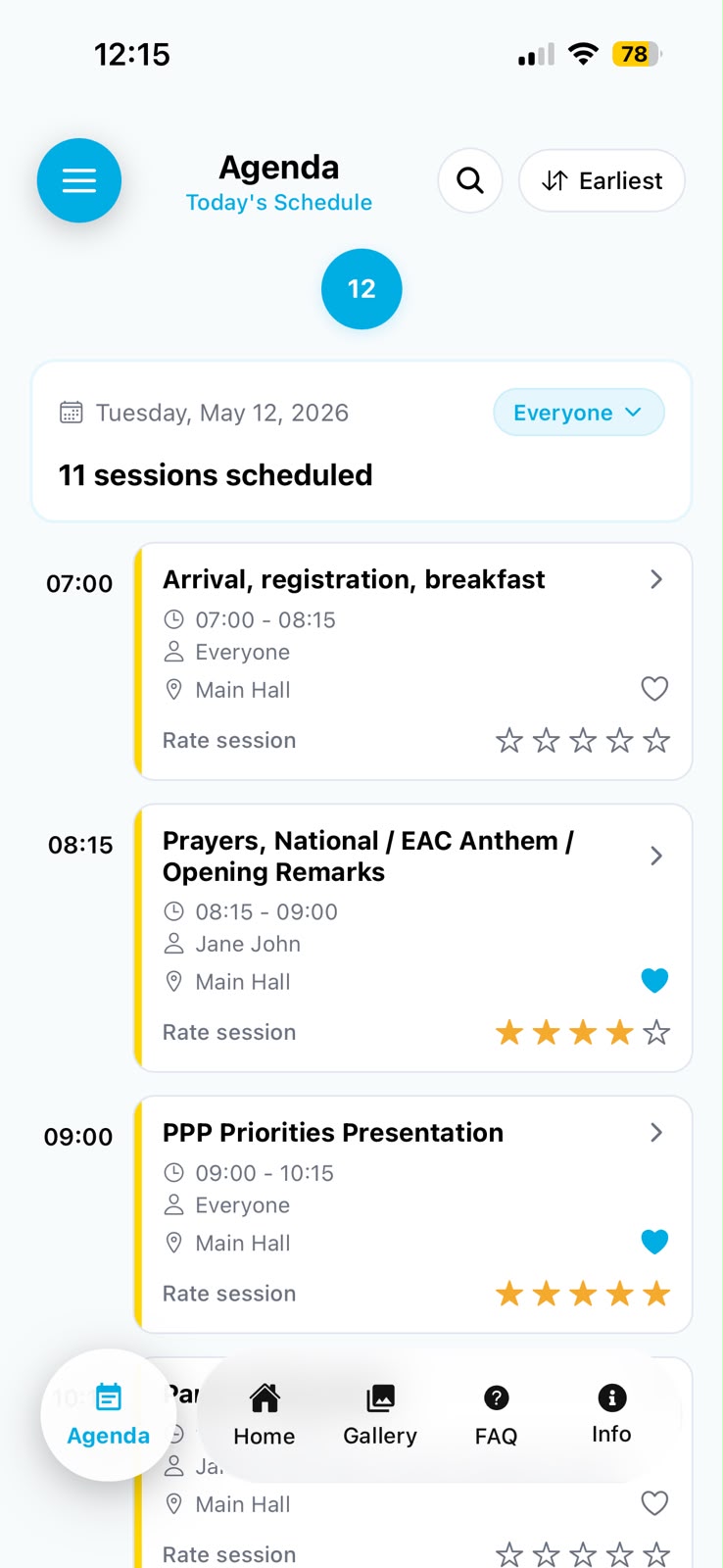
Use agendas, session information and room details to understand what is happening.
Explore speakers, attendees, sponsors or exhibitors where configured for the event.
Use profiles, connections and chat where those options are available.
Receive relevant event updates through Bendie.
Take part in ratings, activities, games or leaderboards where configured.
Access shared gallery experiences where they are available for the event.
For the team planning, coordinating and operating the event.
For attendees navigating, discovering, connecting and participating.
Compare Bendie Planner and the Bendie attendee app, or explore solutions for different event types.
Bendie is a mobile event app that gives attendees one place for agendas, event updates, speakers, networking, exhibitors, activities and shared event moments.
Bendie Planner supports the team planning and running the event. Bendie supports the people attending it. Together, they connect event operations with the attendee experience.
Yes. Bendie can support both pre-registered attendees and walk-ins. Access depends on the process configured for that event, so walk-ins should follow the onboarding instructions provided by the event organizer.
Bendie supports professional events including conferences and summits, corporate retreats and offsites, exhibitions and trade shows, and professional networking events.
The organization begins with a conversation with Bendie about the event, its team, programme, logistics and attendee experience. Bendie then helps determine the appropriate setup.